FNS Floorplan – help
FNS Floorplan turns your Home Assistant dashboard into a living floor plan: lights glow in their real colour, doors and windows swing open and a robot vacuum drives through the room it reports. You draw the plan in a built-in editor, with no YAML and no image editing.
Here you will find guides to the card and the editor and solutions to the most common problems. When something does not work, look for the symptom you see.
Inspired by NeonPlan 3D
FNS Floorplan was inspired by NeonPlan 3D, a 3D floor plan card for Home Assistant. It takes the idea to an animated 2D plan with its own editor. Coming from NeonPlan 3D?
Ask on GitHub
Did not find your problem? Open a new issue on GitHub, or try the live demo first, it runs the real card with fake states.
Getting started
The card
The editor
Robot vacuum
When something doesn't work
- The card is not found after the installation
- "Custom element doesn't exist" or a configuration error appears
- The card shows the old version after an update
- The card says it is waiting for the integration
- The plan is empty
- The sidebar entry is missing
- Icons are missing
- Saving says the plan changed meanwhile (conflict)
- The card is slow or choppy
- A light does not glow in the colour I expect
- A rule does not apply
- Some texts are not translated
- Something else does not work
Reference
Changelog
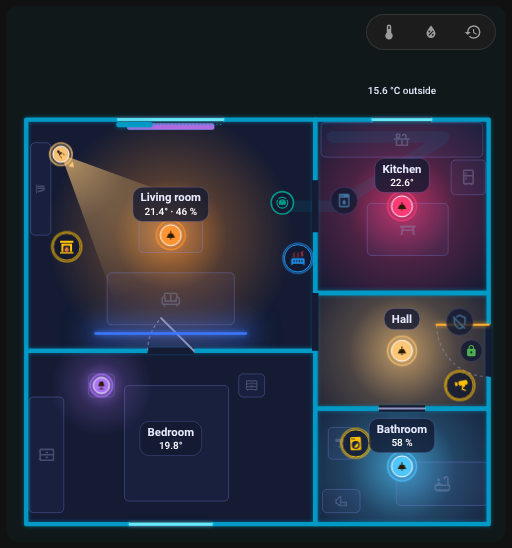
| Dark theme | Light theme |
|---|---|
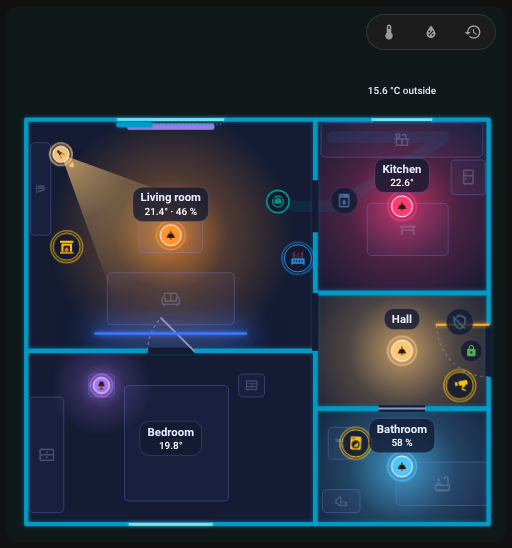 |
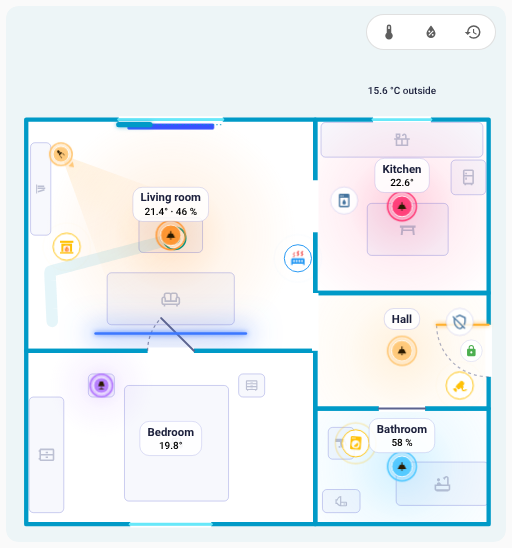 |