History and check
Both are in the three-dot menu of the editor.
History
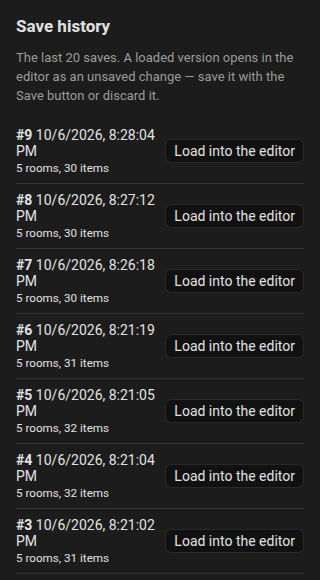
The integration keeps the last 20 saved plans (in .storage/fns_floorplan.history). Every save pushes the previous plan to the history.
- Open the menu, History.
- The list shows each revision with the date, the number of rooms and items.
- Choose one: it loads into the editor as an unsaved change, so you can look at it, correct it and Save, or Discard it.
Restoring never touches the stored plan until you save. See Websocket API for the commands behind it.
Check
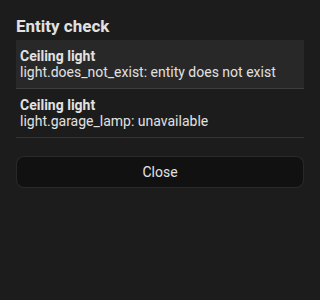
Check lists problems of the plan:
- entities that do not exist any more,
- entities that are unavailable,
- items without an entity,
- the same inside rules,
- vacuum room names that are not paired.
Click a row to jump to that item. A dot on the menu shows when there are problems.