Robot vacuum
The robot vacuum is drawn as a small robot that lives in its dock and drives through the room it reports while it cleans.
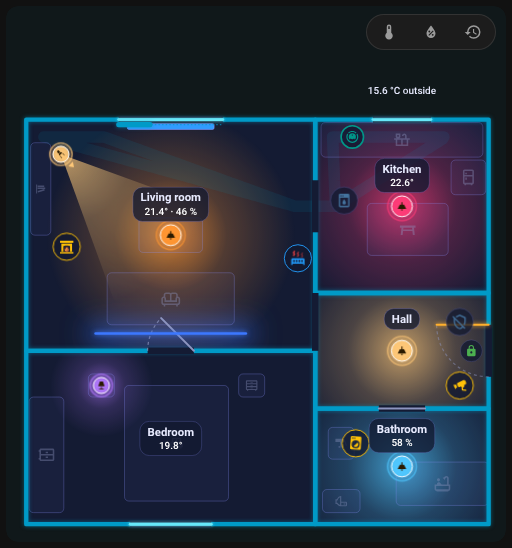
The dock item
Add Robot vacuum (furniture type robot_vacuum) and place it where the dock stands. Its form has:
| Field | Key | Meaning |
|---|---|---|
| Entity | entity |
The vacuum entity |
| Room sensor | room_sensor |
A sensor whose state is the name of the room the vacuum is in (for Roborock sensor.*_current_room) |
| Room pairing | room_map |
{ "<room name in the vacuum>": "<room id in the plan>" } |
| Battery | battery |
Battery sensor; empty = the battery sensor of the vacuum's device |
| Running section | color_on, fx, progress, progress_total |
Look while cleaning |
| Layer | layer |
See below |
The dock also takes rules (a rule color replaces the theme colour, also in the dock) and a tap action; the default tap opens the details.
Room sensor and room_map
The card needs to know which plan room the vacuum reports. The Room pairing table in the dock's form lists the names from the options of the room sensor, the keys already in room_map, the current state and names you add by hand. For each name choose:
- automatic: the same name or id as a plan room, ignoring case and diacritics,
- a specific room,
- do not pair (
__none): the robot does not drive into that room.
The Check (see History and check) reports names from the sensor's options that are not paired.
furniture:
  - id: dock
    type: robot_vacuum
    entity: vacuum.robot
    room_sensor: sensor.robot_current_room
    room_map:
      Living room: living_room
      Kitchen: kitchen
      Hallway: __none
    x: 0.4
    z: 3.1
An older plan with a top-level vacuum key (entity, room_sensor) still works; the editor converts it to a dock on the next save.
How it drives
| State | What you see |
|---|---|
cleaning |
The robot drives in stripes through the room from the room sensor and leaves a trail |
returning |
It drives to the dock; the trail is cleared |
docked, charging |
It sits in the dock. A ring around it shows the battery (full at 100 %), it only breathes when the battery is unknown. The robot has the theme colour of the vacuum state |
idle, paused, error |
It stands in its room on a free spot and blinks (the badge border has the state colour, errors are red) |
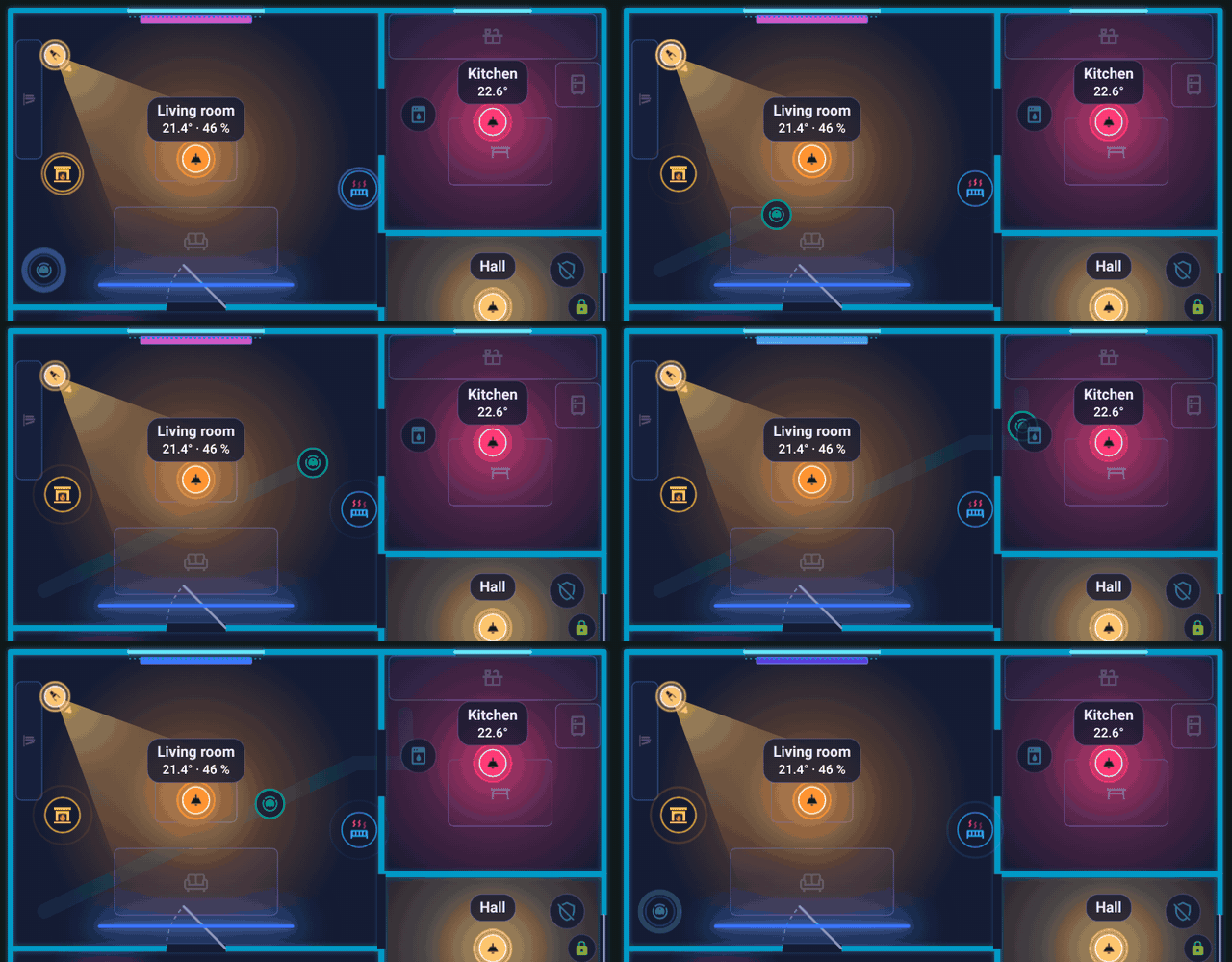
The robot leaves the dock, drives through the passage into the kitchen and returns to the dock.
- Between rooms and back to the dock it drives through doors and passages (a path search over openings other than windows; the other side of an opening is the room 35 cm behind the wall). With no path it drives straight.
- When the page loads and the robot is not in the dock, it appears directly in its room instead of driving out of the dock.
- The robot keeps the orientation it has in the dock while driving.
- Parking on a free spot: a stopped robot stands where it covers nothing: farthest from the badge, lights and labels. The spot is computed after the card is drawn.
- Whole-floor tour: when it cleans and the room is unknown (no sensor, or no pairing), it tours all rooms of the floor: the nearest next one, through doors, stripe by stripe, skipping unreachable rooms, then back to the dock.
While cleaning
The section While running (cleaning) sets what the dock shows while the robot cleans: color_on, a ring fx (for example comet) and, for a countdown, progress / progress_total (see Rules).
Layer and stacking
While it drives the robot is drawn above furniture and walls and below lights, appliances and labels. When it stands still, layer: 0 keeps the same order; a layer above 0 puts it above lights and appliances while it stands.
Hiding it from the room panel
The robot appears in the room panel of the room with its dock. Tick do not show in room panel (sheet_hide: true) to leave it out.
A vacuum as an ordinary device
You can also place a generic appliance with a vacuum.* entity: it runs while cleaning or returning (ring comet), and in the dock it shows the battery ring and the text with the charge ("charging 64 %" or "100 %"). The battery comes from the device registry (a sensor with device_class: battery and the battery_charging binary sensor on the same device) or the battery_level attribute.
Back to Items.