Items
Items are everything on the plan that is not a wall: lights, appliances, sensors, text items, furniture and room labels. Edit them in the Items mode. Add inserts a new one; every item can be duplicated and deleted.
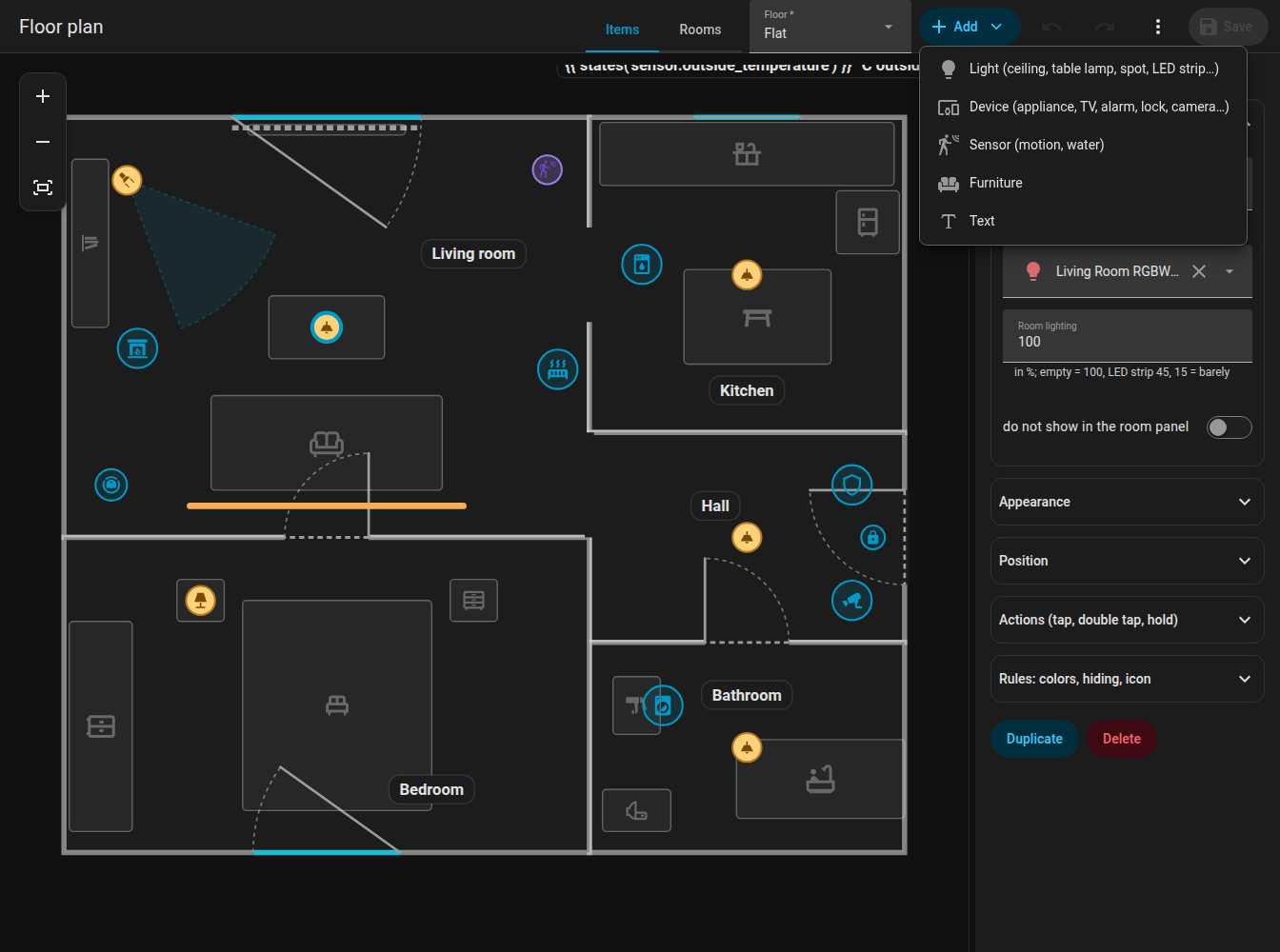
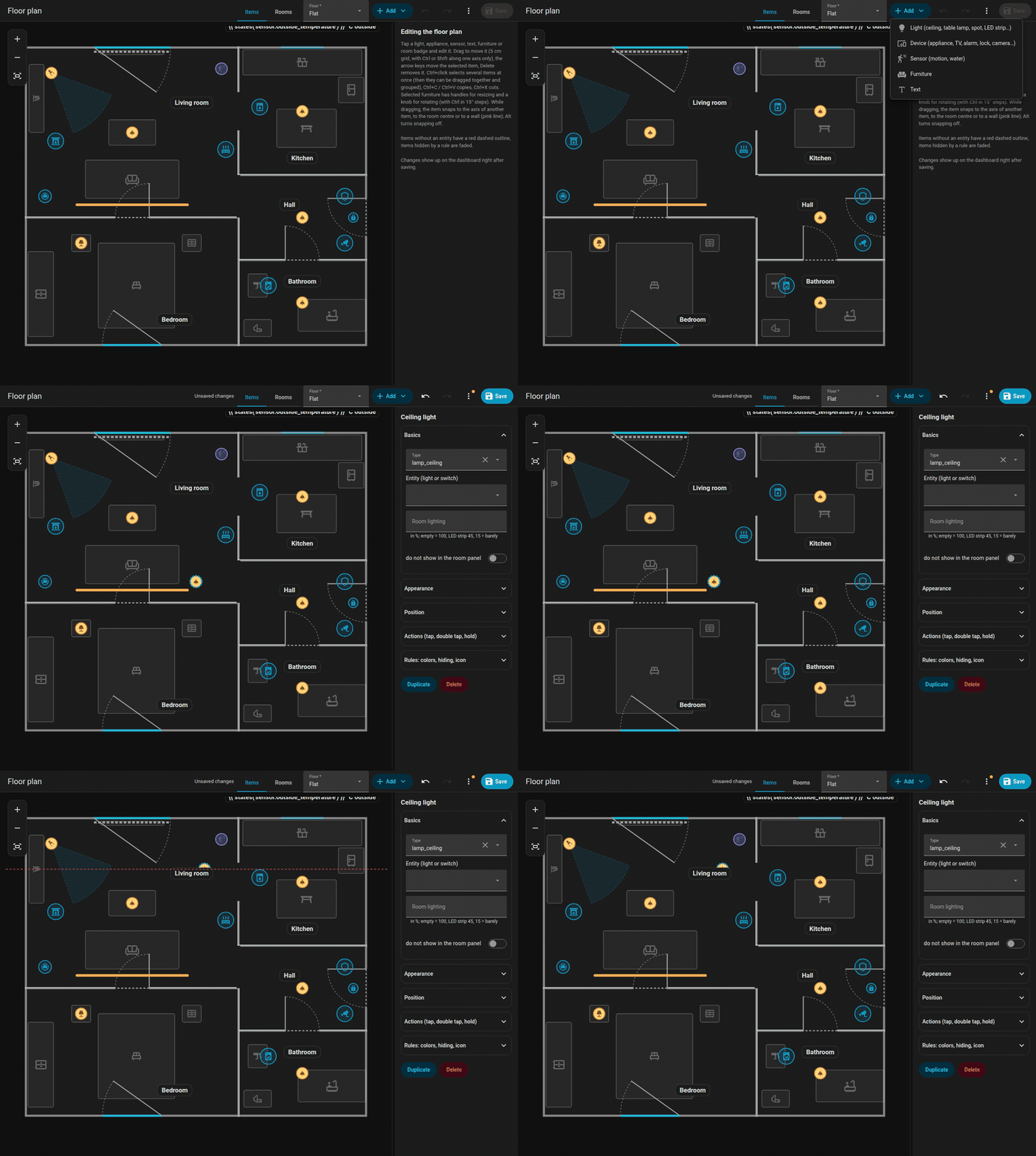
Adding a light from the Add menu and placing it on the plan.
Common settings
| Setting | Key | Meaning |
|---|---|---|
| Entity | entity |
Picked from all entities of your Home Assistant (the picker also searches by name) |
| Position | x, z |
In metres; or drag |
| Size | size |
xs, s, m (default), l, xl, xxl (0.6 to 2 times); for lights, appliances, the dock and texts |
| Icon | icon |
Any mdi: icon; buttons No icon (icon: none) and Reset |
| Layer | layer |
Stacking order among items of the same kind: To front, To back |
| Tap / double tap / hold | tap_action ... |
Actions |
| Rules | rules |
See Rules |
| Hide in room panel | sheet_hide |
Leaves the item out of the room panel |
Quick placement: when you add an item to a selected room, it goes to a 3 by 3 grid position inside it, keeping its distance from the walls.
Lights
Add Ceiling light, Pendant light, Panel, Table lamp, Wall light, Spot (directional) or LED strip. Assign a light entity.
- The light follows its colour (
rgb_color) or its colour temperature (color_temp_kelvin), otherwise a warm white. Brightness shrinks and fades the glow and brightens the badge or the strip. - Fixtures of one light in one room are one item in the editor, as on the card: you drag the whole group, and changes and deletion apply to all of them. Ceiling spots of one room are one item.
room_lightsets how much of the room glows when the light is on (a share,1= 100 %,false= almost none).- Spot (
lamp_spot): a cone of light towardsrotation(0 = right, 90 = down),beamdegrees wide (default 40), clipped by the room. It is never merged with other fixtures of the same light. - LED strip (
led_strip): a line withwas its length; it glows in the real colour of the light.glow_sidelets it shine only to one side (1= to the right of the strip direction,-1= the other side, none = all around). - A light that is off has its icon in a dimmed colour, without the outer ring. The strip has an invisible 16 px area for tapping.
Appliances and other devices
Add, Appliance (and the specific types) creates a device of a kind:
| Kind | Looks like |
|---|---|
fan, purifier, dehumidifier, dishwasher, dryer |
Animated icons (the dryer shakes, the dishwasher bounces); the purifier blows wind lines, the dehumidifier drips |
boiler |
Water boiler |
radiator |
Heat waves rise while it animates (colour set by wave). Heating pipe in its panel draws a pipe from the floor's boiler; it flows while the boiler and the radiator both run, stretches shared by several radiators are drawn once |
alarm |
Shield by state; the flat pulses red when triggered, orange while arming |
media |
TV, speaker or Kodi icon, sound waves and the title while playing, cover art in the badge (cover: false turns it off) |
aquarium |
Bubbles |
camera, fridge, lock |
Icon with state colour |
fireplace |
A flame that flickers while burning |
generic |
"Other device": the entity's own icon, behaviour by domain (below) |
Settings: name, entity, active (a list of states or {"above": n} that count as "running"), text (always shown under the icon), text_on (shown while running; both may be templates such as {{ states('sensor.washer_time') }}, and {left:timer.x} in them shows the time left of that timer, remaining-time or end-time sensor, e.g. 12:05, updated every second; {left} alone that of the countdown ring), label_position (top, left, right, default under the icon) and label_vertical (the label turned by 90 degrees), color / color_on (idle / running colour; without them the state colour of your Home Assistant theme is used), fx (the ring animation: ring, radar, comet, countdown, spin, orbit, breath, blink, heartbeat, shake, none).
Text labels under the icon have a background in the style of the room badge (light by day, dark at night).
Other device by domain
A generic device behaves sensibly by the domain of its entity. Your own settings and rules win over these defaults.
| Domain | Runs when | Text | Ring | Tap |
|---|---|---|---|---|
fan |
on | speed in % | spin | details |
siren |
on | none | blink | details |
input_boolean, switch, binary_sensor |
on | none | ring | details |
humidifier |
on | humidity % | breath | details |
water_heater |
not off | temperature | breath | details |
climate |
hvac_action is heating / cooling / ..., without it state is not off |
current to target temperature | breath | details |
valve, cover |
open, opening, closing | position % | spin while moving, else ring | details |
lawn_mower |
mowing | none | comet | details |
vacuum |
cleaning, returning | none | comet | details |
camera |
recording, streaming | none | radar | details |
person, device_tracker |
home | zone name when away | ring | details; the avatar photo in the badge, grey when away |
script |
on | none | spin | runs the script |
scene, button, input_button |
never | none | short blink when the time changes | activates the scene / presses the button |
input_select, select |
never | the state | none | details |
number, input_number, counter, sensor |
never | value with unit | none | details |
weather |
never | temperature | none | details |
sun |
above horizon | none | ring | details |
timer |
active | none | countdown from the timer itself | details |
A generic item with an alarm_control_panel.* or lock.* entity behaves like the dedicated alarm or lock kind.
Icon animations
An appliance without an animated glyph of its own (generic, camera, fridge, lock, alarm) gets a CSS animation by the icon name while its state is on: fan and cog rotate, washer and dryer shake, dishwasher bounces, fire flickers, speakers pulse, garage doors and shutters move only the slats, steam rises, charging batteries light their cells one by one, and so on. Icons ending in -off never animate. A rule with animate: false turns the animation off, and prefers-reduced-motion suppresses it.
Sensors
Add, Sensor places a binary sensor by entity. Its device_class decides what it does on the card:
motion,occupancy,presence: smooth ripples while it is on,moisture: the room pulses red and a "Water leak" chip appears.
On the card a sensor is drawn only as ripples or as the room pulse; the editor shows it with an icon by its class. Sensors have a layer too. In the editor they share one order with furniture: To back puts a sensor under the furniture, so the furniture under it can be selected.
Text items
Add, Text places free text: text (plain or a {{ }} template), or an entity whose state is shown. Settings: x, z, rotation, size, color, background (none for no background). Style: like a room badge.
texts:
  - id: t_outside
    text: "{{ states('sensor.outdoor_temperature') }} °C outside"
    x: 4.2
    z: 0.3
    size: l
    background: none
Furniture
Add, Furniture adds one of these types (sorted by name in the picker, with a search; "Other" is last):
| Type | Meaning | Type | Meaning |
|---|---|---|---|
bed |
Bed | bunk_bed |
Bunk bed |
nightstand |
Nightstand | wardrobe |
Wardrobe |
dresser |
Dresser | shelf |
Shelf, bookcase |
tall_cabinet |
Tall cabinet | sideboard |
Sideboard |
sofa |
Sofa | sofa_corner |
Corner sofa (L shape) |
coffee_table |
Coffee table | table |
Table |
chair |
Chair | desk |
Desk |
office_chair |
Office chair | bench |
Bench |
coat_rack |
Coat rack | tv_board |
TV board |
tv_wall |
TV on the wall (plays colours when it has a media player) | kitchen |
Kitchen counter |
kitchen_wall |
Wall cabinets | kitchen_tall |
Tall kitchen cabinet |
fridge |
Fridge | sink |
Sink |
stove |
Stove | dishwasher |
Dishwasher |
washer |
Washing machine | dryer |
Dryer |
bathtub |
Bathtub | shower |
Shower |
washbasin |
Washbasin | wc |
Toilet |
radiator |
Radiator | robot_vacuum |
Robot vacuum dock, see Robot vacuum |
other |
Other |
- A selected piece has handles in the corners and on the sides to resize (the opposite side stays, grid of 5 cm) and a wheel to rotate in steps of 1 degree (Ctrl for 15 degrees). The icon turns with the furniture.
- The corner sofa is L-shaped; the seat is 40 % of the shorter side.
colorsets the default colour of a piece; a rule wins over it.- Furniture is dimmed in the editor so that it does not steal attention.
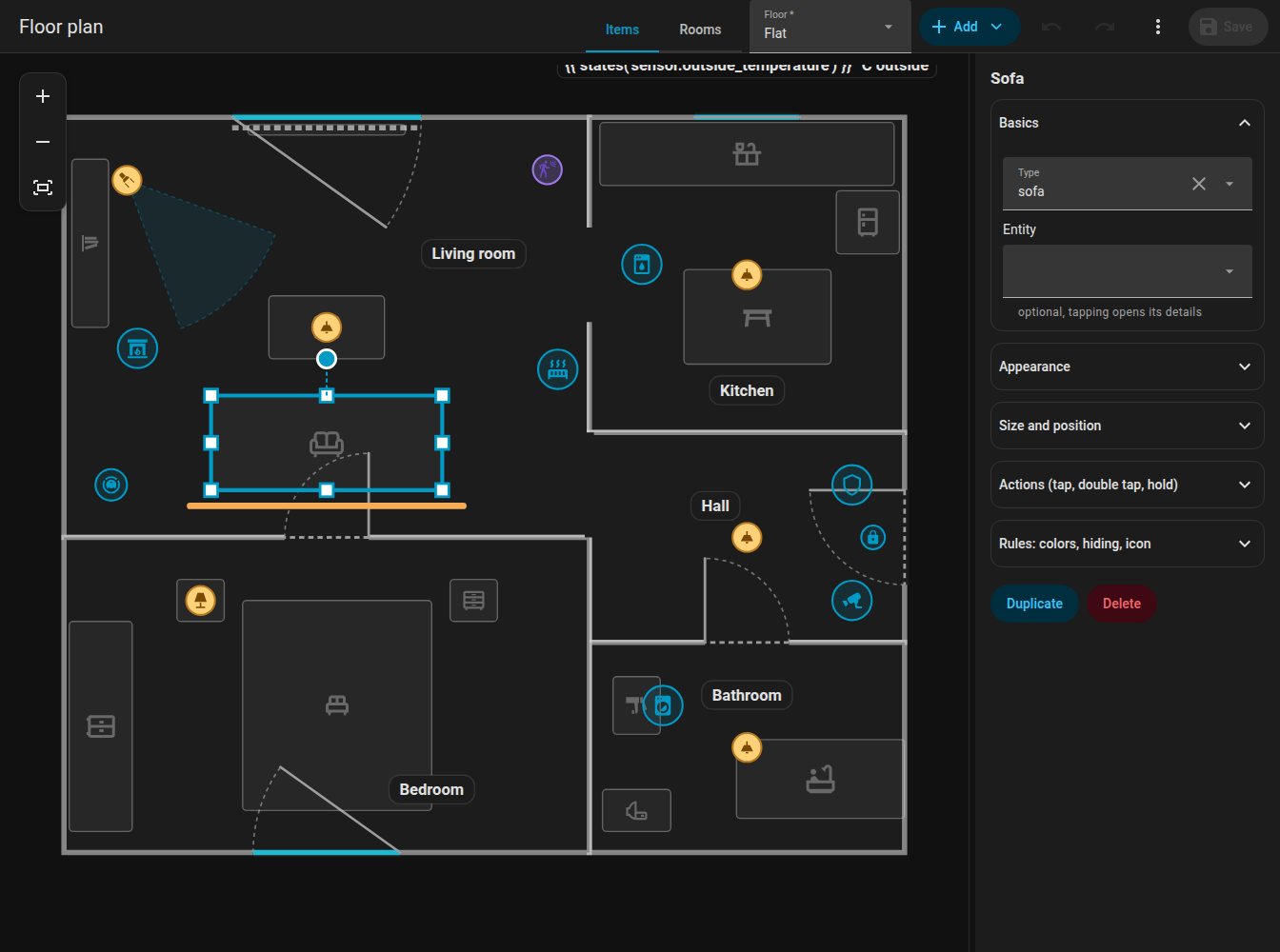
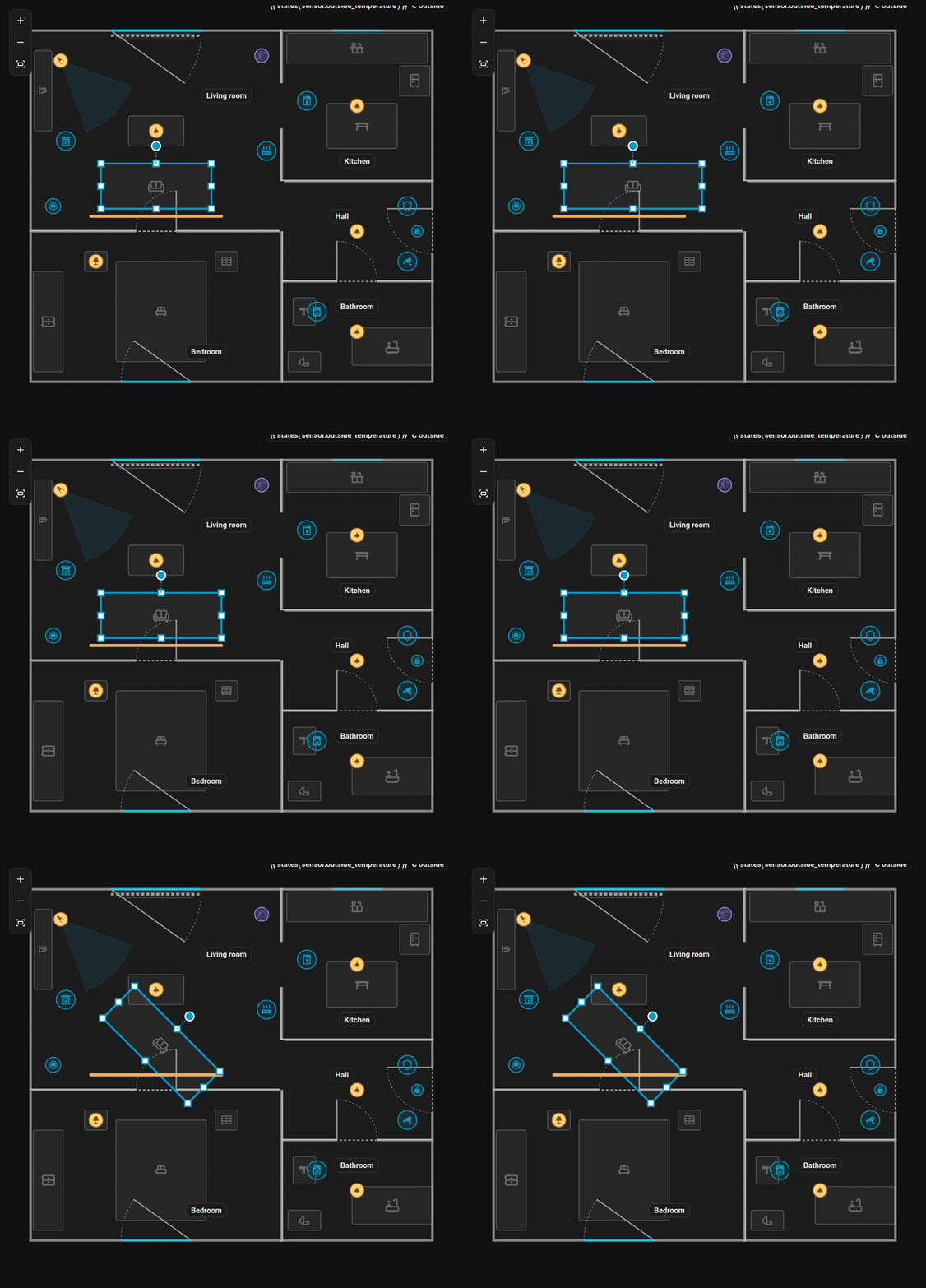
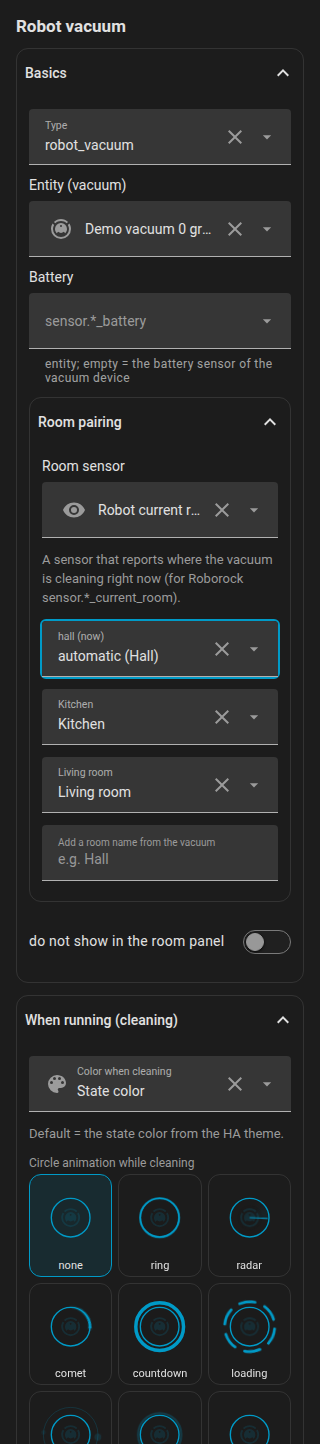
Resizing a sofa with the handles and rotating it (Ctrl = 15 degree steps).
Layers
The stacking order is only compared among items of the same kind; furniture and sensors count as one kind. Use To front / To back in the form. The robot vacuum has its own rules, see Robot vacuum.
Groups and multi-selection
Ctrl+click several items to select them. In the form of the selection press Group: a group is stored and a click on any member selects the whole group. Selected items drag, nudge, copy (Ctrl+C, Ctrl+V), cut (Ctrl+X) and delete together. See the shortcuts.
Actions
Every item (also doors and windows) accepts tap_action, double_tap_action and hold_action in the Home Assistant format:
action |
Meaning |
|---|---|
toggle |
Toggle the entity |
more-info |
Open the entity details |
perform-action |
Call an action: perform_action (picked from the actions Home Assistant knows, with search) and data as one line of YAML, e.g. entity_id: input_button.x |
navigate |
Go to navigation_path |
url |
Open url_path |
none |
Do nothing |
Defaults: a light toggles on tap and shows details on hold; an appliance, a vacuum, a door and a window show details. A double tap delays a single tap by 250 ms, but only when a double tap action is set. Hovering an item with the mouse shows a tooltip: the name and what tap, double tap and hold do.
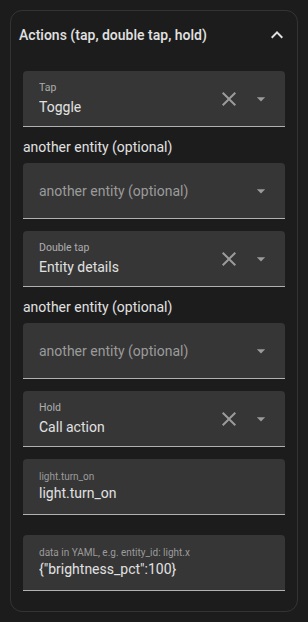
tap_action:
  action: perform-action
  perform_action: scene.turn_on
  data:
    entity_id: scene.movie_night
hold_action:
  action: more-info
Next: Rules.