Room panel
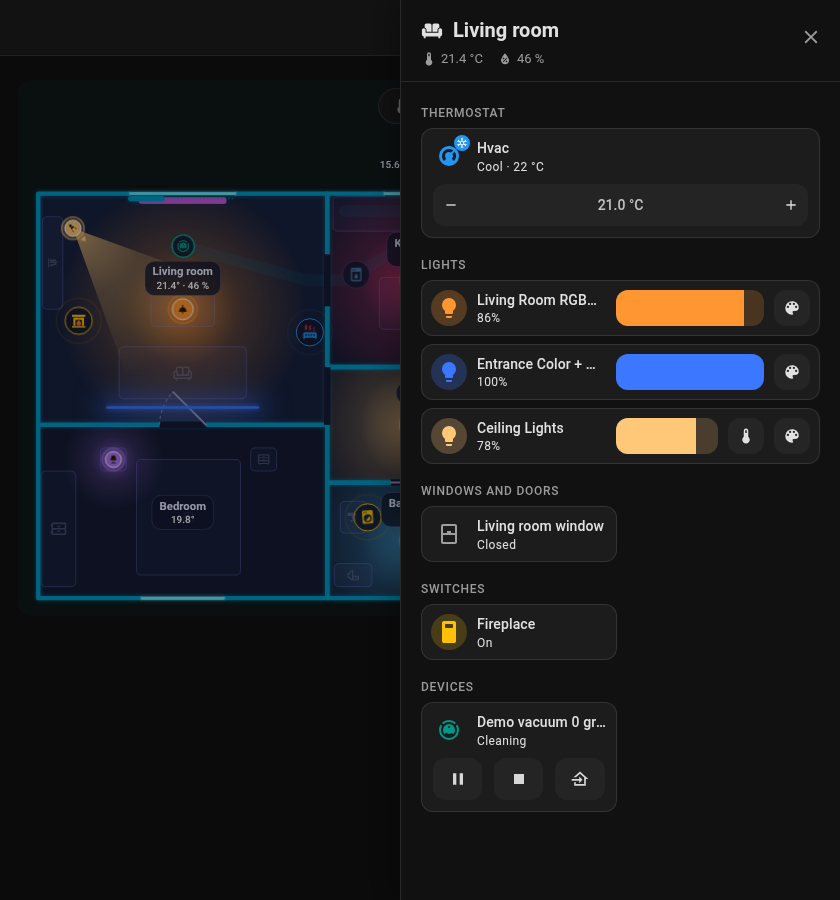
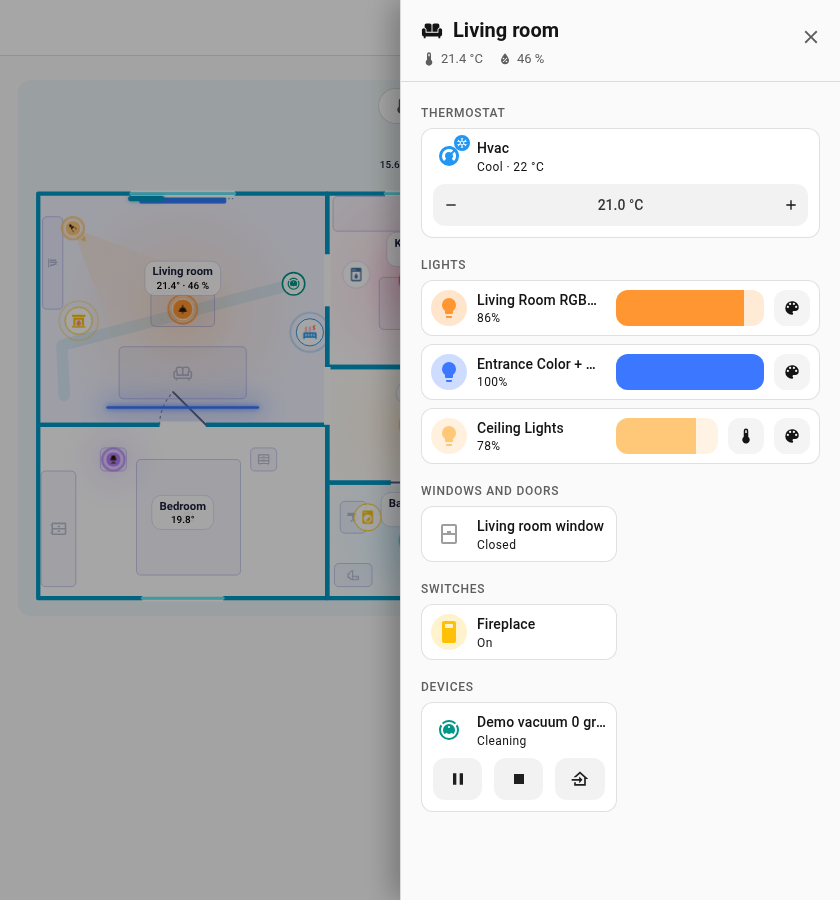
Tap a room on the card and an off-canvas panel slides in from the right edge of the screen. It looks like an area dashboard of Home Assistant: the theme background, a header with the room icon, name, temperature and humidity, and Home Assistant cards in two columns. Close it with the cross, Esc or a click outside.
| Dark theme | Light theme |
|---|---|
 |
 |
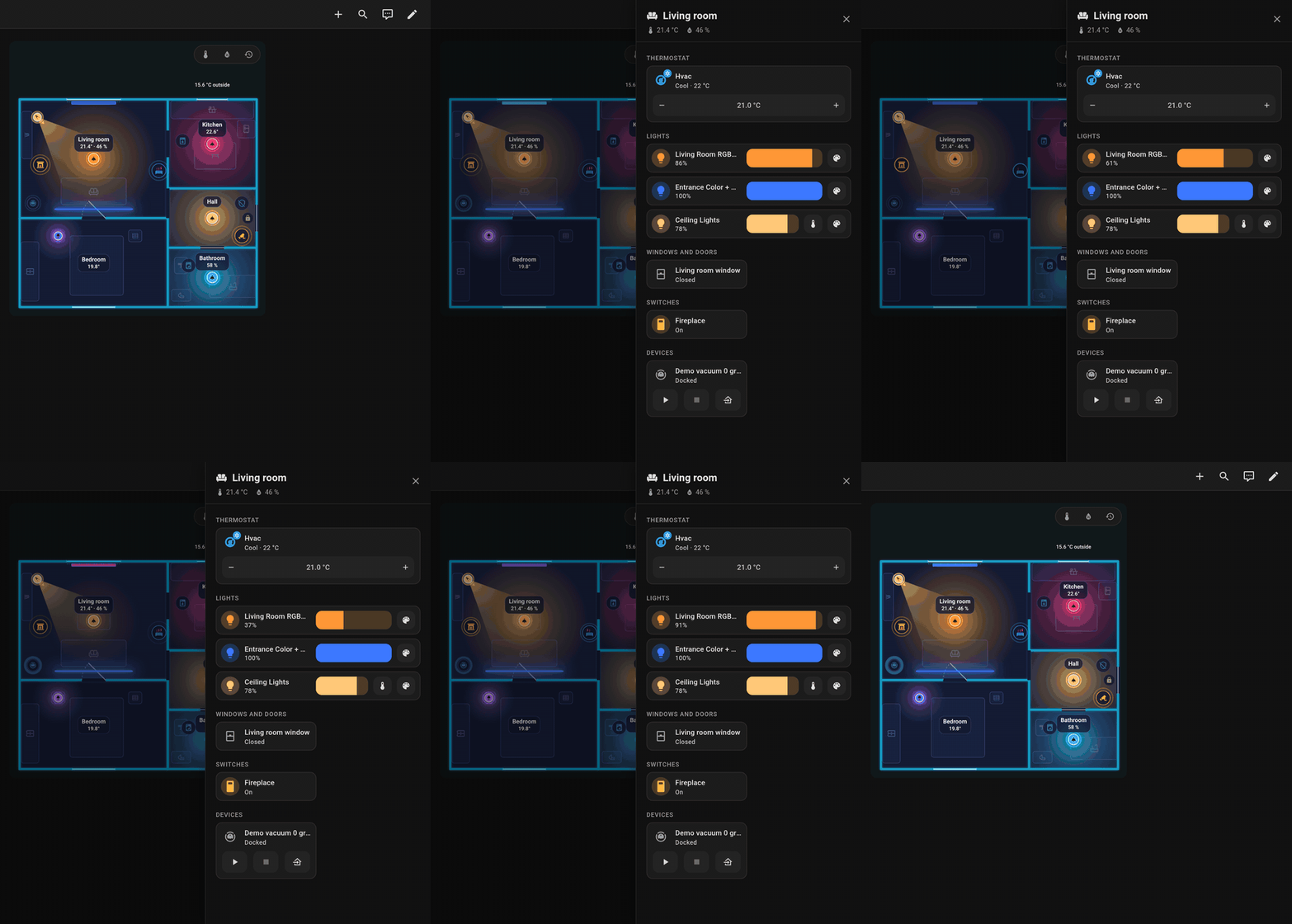
Opening the panel, setting a light's brightness and closing it.
Sections
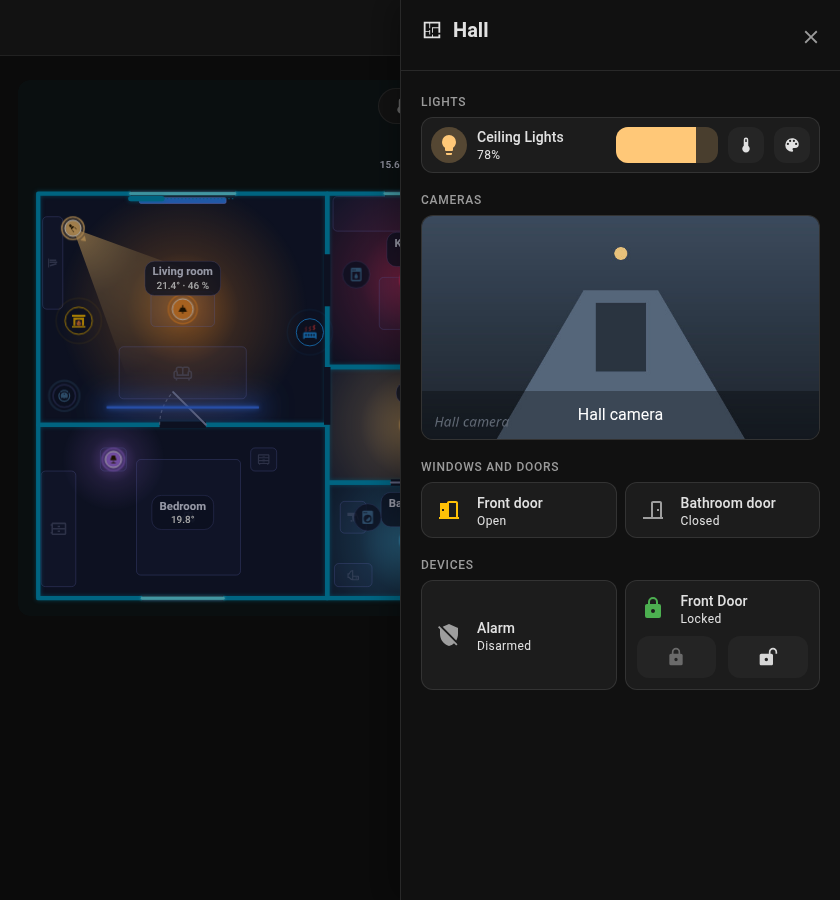
The panel is built from Home Assistant's own cards, each placed like on a dashboard, so your theme styles them as well (including card-mod / UIX themes). Every section has a heading card with an icon, in the subtitle style of dashboard section headings. A tap on a card opens the details, the icon toggles what can be toggled. Thermostats, lights with controls, cameras and blinds take the full width, the rest sits two in a row.
| Section | What goes there |
|---|---|
| Thermostat | climate entities as a tile with the target temperature control |
| Lights | Lights placed in the room. A tile with the brightness bar next to the name; with the Mushroom cards installed a light is a Mushroom light card: the brightness bar in the light's colour with buttons for colour temperature and colour next to it; a tap on the icon switches the light |
| Cameras | Cameras of the room as a picture across the panel (a snapshot refreshed every few seconds); a tap opens the live picture in their details |
| Windows & doors | Openings of the room with a contact, and their blinds (and covers among the extra entities) with open / stop / close next to the name and a position slider below; the contact shows only when it last changed, the icon shows whether it is open |
| Switches | switch and input_boolean |
| Media | Media players and remotes (TVs, speakers, players); a player that can set its volume gets a volume slider next to the name; the tile takes the full width |
| Robots | Robot vacuums with start / stop / home, lawn mowers; the tile takes the full width with the buttons next to the name |
| Devices | Appliances (a lock gets lock commands) |
| Sensors | Sensors of the room, including the PIR and water leak sensors placed in it; binary sensors (presence, motion, leak) show only when they last changed, the icon shows the state |
| Other | Everything else |
Only items that are placed in the room and the entities in sheet_extra are shown. Home Assistant areas are not added automatically. The robot vacuum appears in the room with its dock.
Choosing what shows
sheet_extra: extra entities of a room (a field in the room's form, one per line, a leading-is fine; Add an entity under the field picks one). An entry can also be a template that lists entity ids, see Rooms. Each entity gets the card of its section above (a light its light card, a camera its picture, a cover the blind controls, the rest a tile).sheet_hide: trueon any item (light, appliance, window, door, lock, robot) leaves it out.- The room
iconappears in the header.
rooms:
  - id: living_room
    name: Living room
    icon: mdi:sofa
    temperature: sensor.living_room_temperature
    sheet_extra:
      - climate.living_room
      - camera.living_room
      - switch.tv_plug
Back to Card.