Installation
Requirements
- Home Assistant 2025.1.0 or newer.
- HACS for the recommended installation (manual installation works too).
- An admin account for the editor. The card itself works for every user.
Install with HACS
FNS Floorplan is not in the default HACS list, so you add it as a custom repository.
- Open HACS in the Home Assistant sidebar.
- Open the three-dot menu in the top right corner and choose Custom repositories.
- Enter
https://github.com/matata86/fns-floorplanas the repository and choose the category Integration. Click Add. - Search for FNS Floorplan in HACS and click Download.
- Restart Home Assistant (Settings, System, Restart).
Or open it in HACS directly with this button:

Install manually
- Download the latest release from the releases page or clone the repository.
- Copy the folder
custom_components/fns_floorplaninto thecustom_componentsfolder of your Home Assistant configuration, so thatcustom_components/fns_floorplan/manifest.jsonexists. - Restart Home Assistant.
Add the integration
- Go to Settings, Devices & services, Add integration.
- Search for FNS Floorplan and add it. There is nothing to configure, only one instance can exist.
Or start it with this button:

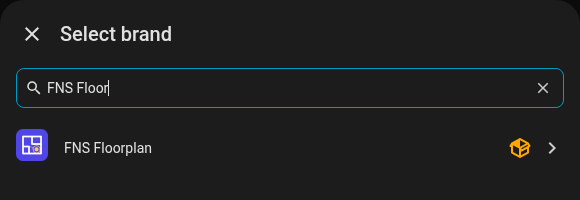
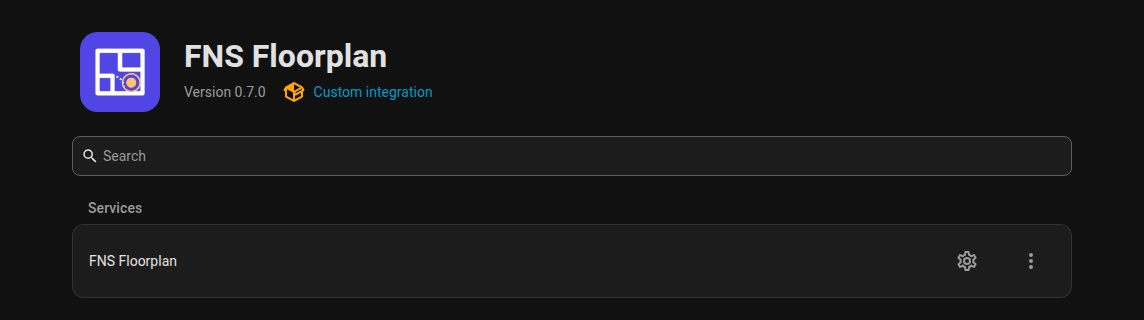
The integration registers the card, so you do not have to add a dashboard resource by hand.
Options
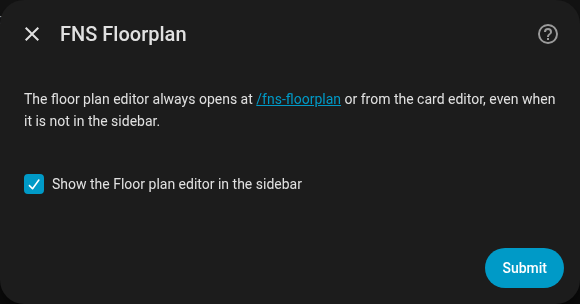
Click Configure on the integration card.
| Option | Default | Meaning |
|---|---|---|
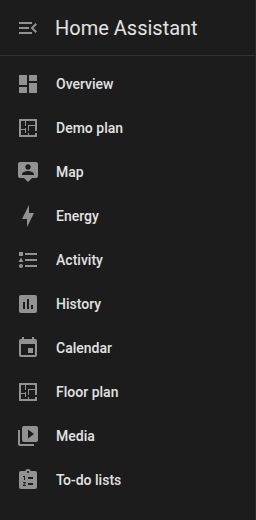
| Show the editor in the sidebar | on | Adds the Floor plan entry to the sidebar (admins only). |
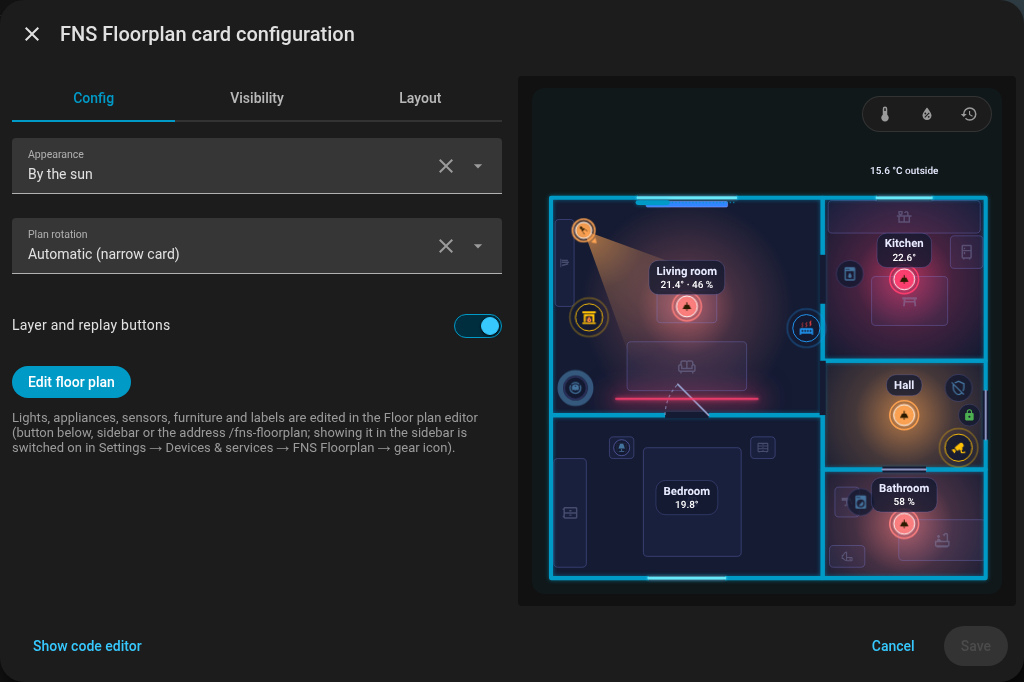
The editor is always reachable at /fns-floorplan (for example http://homeassistant.local:8123/fns-floorplan), even with the sidebar entry hidden. The card editor in the dashboard has an Edit floor plan button that opens the same address.
Add the card
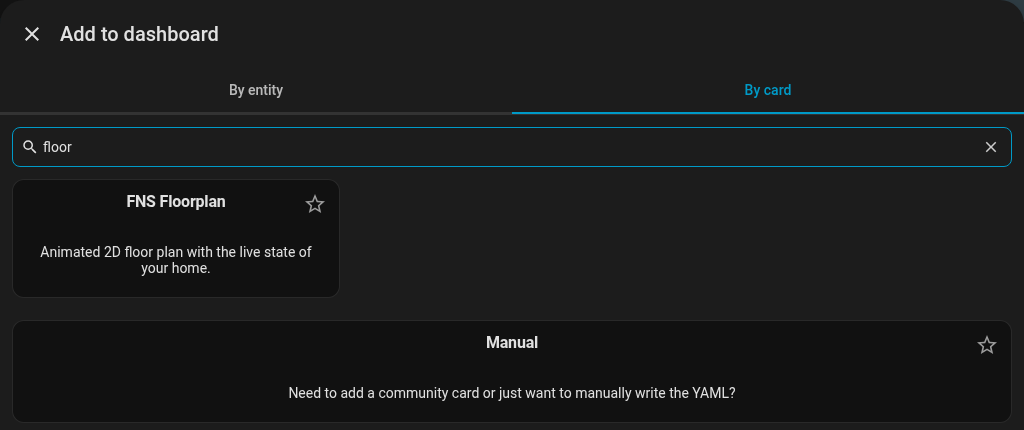
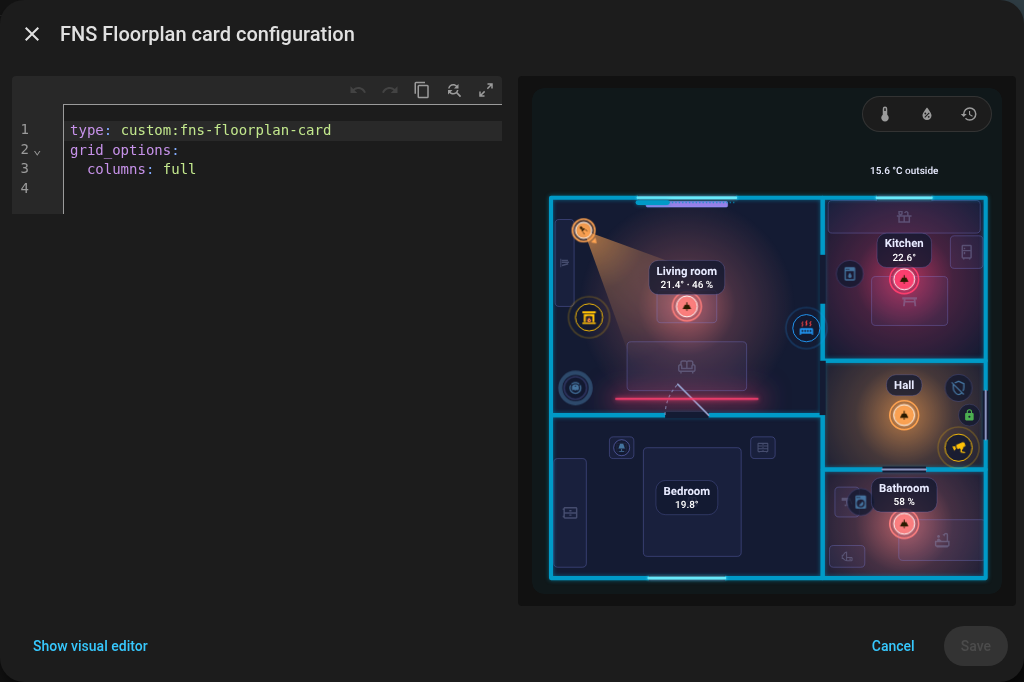
In dashboard edit mode choose Add card, search for "floor" and pick FNS Floorplan. The visual editor offers the options below and the Edit floor plan button; Show code editor switches to YAML.
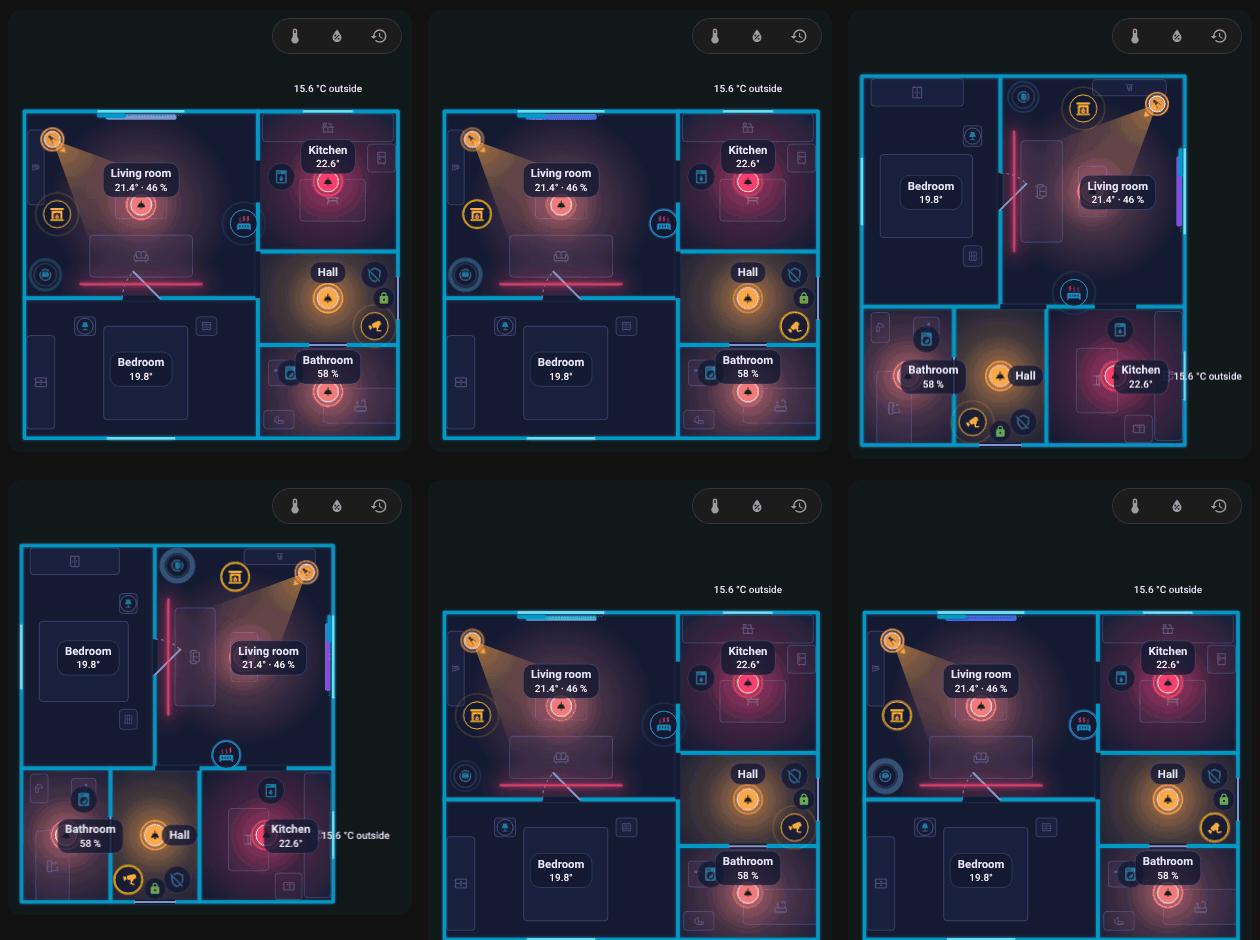
With rotate the plan turns by 90 degrees on a narrow card, shown here switching rotate between true and false.
Update
Update through HACS like any other integration and restart Home Assistant. The card and the editor are loaded with the integration version in the URL, so your browser drops its cache by itself. If you still see the old version, see the FAQ.
Your plan is stored by Home Assistant (.storage/fns_floorplan) and is not touched by updates.
Uninstall
- Remove the card from your dashboards.
- Settings, Devices & services, FNS Floorplan, three-dot menu, Delete.
- Remove the repository in HACS (or delete the folder
custom_components/fns_floorplan) and restart. - Optional: delete the stored plan files
.storage/fns_floorplanand.storage/fns_floorplan.history, and the tracing images inwww/fns_floorplan/.
Next: Quick start.